
A logo on a white artboard looks like a school exercise. The same logo stamped into leather, or embossed on 400gsm card, looks like a brand. That gap is the entire reason mockups exist, and it is the difference between a client saying “nice” and a client signing.
We collected 24 PSD mockups here, all built on smart objects so you drop your mark in once and it inherits the material, the light and the shadow. Most are still hosted by the studios that made them. A couple are gone (we marked those), and everything else we link to directly rather than pointing you at a download page that now sells insurance.
What makes a logo mockup usable
Three things, and you can check all three before downloading. The file has to be a smart object, not a flattened photo with a logo baked in. It has to be at least 2000px wide so the client can zoom. And the perspective has to match something a photographer could actually shoot – if the vanishing point is wrong, the logo will look pasted on, and no amount of blending will fix it.
Also worth checking: whether the licence allows commercial use. Most of these do, a few ask for attribution, one or two forbid resale of the mockup itself. If a client is paying for a brand presentation, get that right.
Stationery and paper
Close-Up Logo Mockups
A set of tight card shots with shallow depth of field. Best for marks with fine detail – a thin monogram disappears in a wide shot but reads here. Pixel Buddha.

Embossed Paper Logo Mockup
Blind embossing on uncoated stock. The trick with this one is dialling the bevel back – the default setting is twice as deep as real embossing. GraphicBurger.

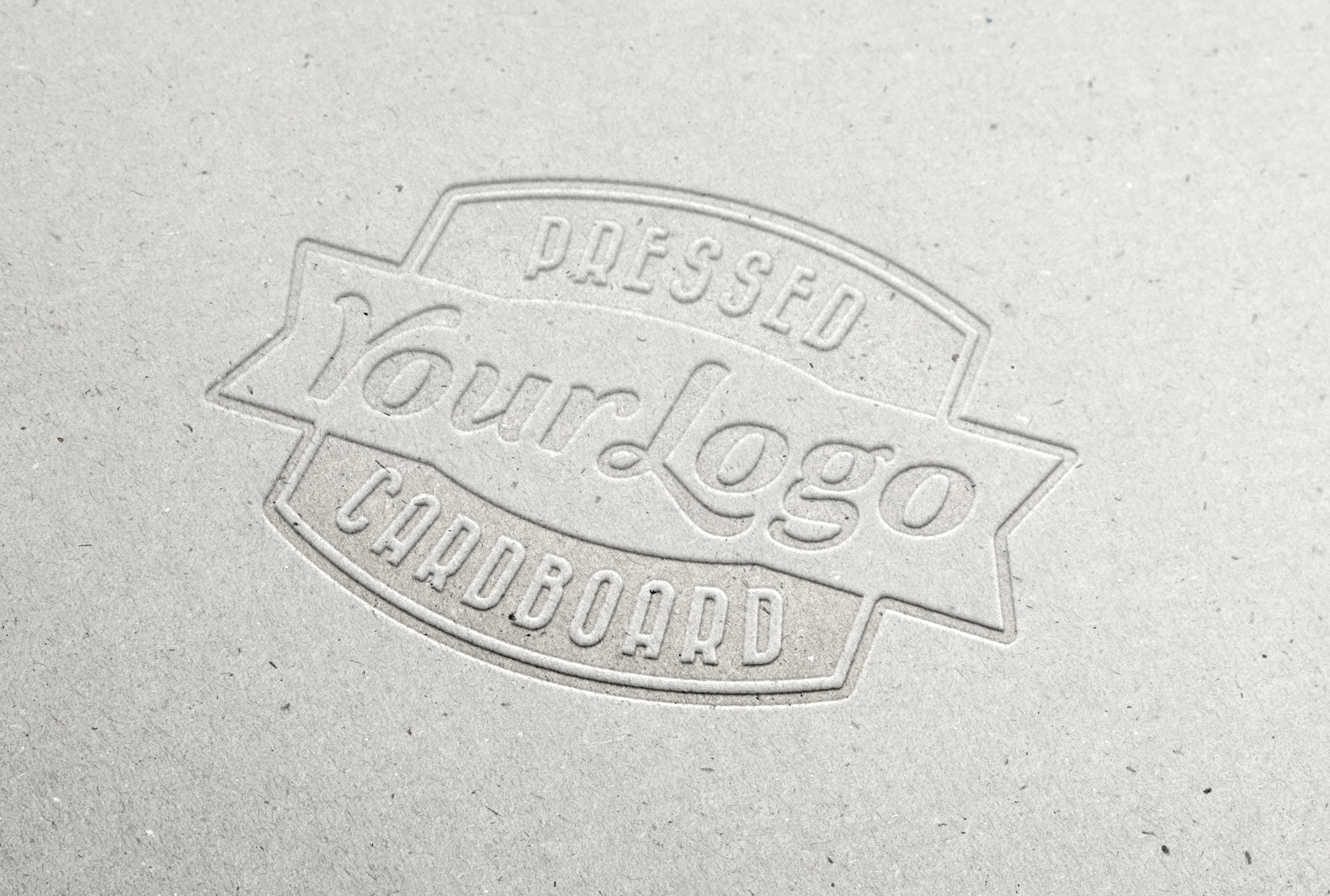
Pressed Cardboard Logo Mockup
Corrugated and kraft. Works for packaging-led identities and for anything that needs to look shipped rather than printed. GraphicBurger.

Cutout Logo Mockup
A paper cut-out photographed on a flat surface. Cheap looking if you use a heavy logo, oddly convincing with a light one. GraphicBurger.

17 Logo Mockups in One PSD
Seventeen arrangements in a single file, from desk shots to hanging signs. The source page is dead, so treat the image as a reference for composition rather than a download. Source offline.

Foil, metal and print finishes
Gold Stamping Logo Mockup
Hot foil on dark stock. The most overused mockup in the world and still the fastest way to make a wordmark feel expensive. GraphicBurger.

Silver Stamping Logo Mockup
Same scene, cooler metal. Use it when the brand palette is grey and you do not want the mockup fight to be about colour. GraphicBurger.

Elegant Metallic Logo Mockup
Brushed metal plate with a soft key light. Good for industrial and tool brands where a paper mockup reads too soft. Softarea on DeviantArt.

Realistic Metallic Effect PSD
Not a scene, a treatment: a layer style that turns flat type into engraved metal. Useful when you need one shot of a logo on a product you do not have. TechAndAll.

Vintage Metal Emblem Mockup
A car-badge style emblem with slight wear. Fits heritage brands, outdoor gear, anything trying not to look like a startup. GraphicBurger.

Free Logo Mockup
A plain, undecorated card shot. Boring in the best way – sometimes you need the logo to be the only thing happening. Softarea on DeviantArt.

Letterpress Logo Mockup
Two versions, both with the deep bite that letterpress actually leaves on cotton paper. Set the type small; letterpress looks wrong when the mark fills the card. GraphicBurger and GraphicsFuel.


Leather, fabric and wood
Leather Stamping Mockups
Two files: an embossed leather shot and a darker stamped version. Leather is forgiving – it hides a logo that would look thin on paper, which is why apparel brands use it constantly. GraphicBurger.


Red Velvet Leather Stamp
Deep red leather with a smart object patch. The colour is strong enough that you should test it with the client’s actual palette before showing it – it flatters warm brands and ruins cool ones. TechAndAll.

Embroidered Logo Mockup
Stitched patch on fabric. Only use this if the mark is simple; fine hairlines turn into mush at embroidery resolution, which is a real production constraint and not a mockup flaw. GraphicBurger.

Linen Logo Mockup
Woven fabric texture at close range. A good middle ground between cotton paper and full embroidery. Pixeden.

3D Wooden Logo Mockup
A carved wooden sign photographed at an angle. Perspective is correct, which is rarer than it sounds. GraphicBurger.

Painted Wood Logo Mockup
Sign-painter style, with brush texture. Use it for hospitality and retail identities where hand-made is part of the promise. GraphicBurger.

Wood Engraved Mockups
Two engraving files: a flat panel and a deeper burn. Both behave well with single-colour marks and badly with gradients. TechAndAll and GraphicBurger.


Signage
Window Signage Mockup
Vinyl applied to storefront glass, shot from the street. This is the one clients respond to most, because it is the first time the brand looks like a place. GraphicBurger.

How to swap a logo without wrecking the file
Open the smart object layer by double-clicking its thumbnail, paste your mark as a vector or a 3000px PNG, save, close. The scene updates automatically. Two things go wrong constantly: people flatten the file before saving (so the client gets one unchangeable image), and people scale the smart object instead of the artwork inside it, which pushes the logo out of focus.
Export at 2000px on the long edge for a deck, and keep a layered copy. Clients change their mind about which mockup goes on the cover of the presentation, not about the logo itself.
Questions about logo mockups
Do I need Photoshop to use these?
Yes for the PSD files. GIMP opens most of them but smart objects become plain layers, so you lose the one-click swap. Photopea, the browser editor, handles smart objects reasonably well now and is the fastest option on a machine without Photoshop.
Are these really free for client work?
Mostly. GraphicBurger, TechAndAll and Pixeden release for personal and commercial use, sometimes with an attribution request. Read the licence line on each source page – it takes ten seconds and it is the difference between a portfolio piece and a legal problem.
What if my logo is too wide for the mockup?
Scale it to 70% of the available width and let the empty space do the work. A logo jammed edge to edge in a mockup looks like a sticker, and no shadow setting will save it.
Keep going: minimal logo mockups for studio-style presentations, AI logo generators if you need the mark first, and more mockups, sorted by material.
Leave a Reply