
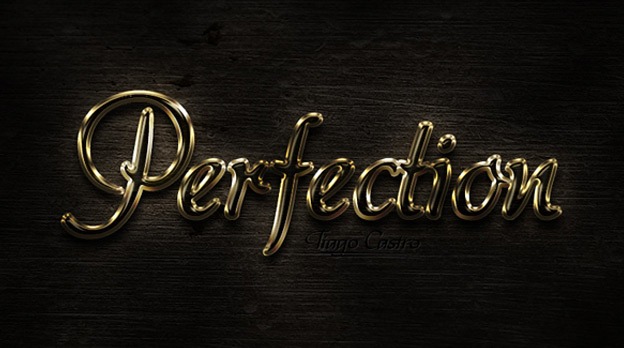
Text effects are back in fashion — this time with an AI assist. Whether you are refreshing a logo, building a landing page, or generating visuals for social media, a well-crafted text effect is still the fastest way to add mood and depth. This 2026 refresh of our classic roundup keeps every original Photoshop tutorial and adds the modern angle: AI text generators, one-click 3D typography, and where free resources still beat paid ones.
Photoshop has useful tools to start your new text effect design, in the post I presenting a 30+ Photoshop text effects tutorials, special thanks for all designers who inspired us in these tutorials.


Text Effects in 2026: The AI Angle
Classic Photoshop text effects (wood carving, light streaks, 3D grunge) remain the foundation of great typography. Today they are joined by AI text-effect tools that turn a prompt into finished artwork in seconds. As a rule of thumb: use vector/PSD tutorials when you need full control, and AI tools when you need speed. Clean up AI results in Photoshop afterwards — the skills in this roundup are exactly what separates a polished output from an obvious one.
More Free Design Resources
Keep building your toolkit with these free collections and tutorials from Creatives Wall:
Leave a Reply