
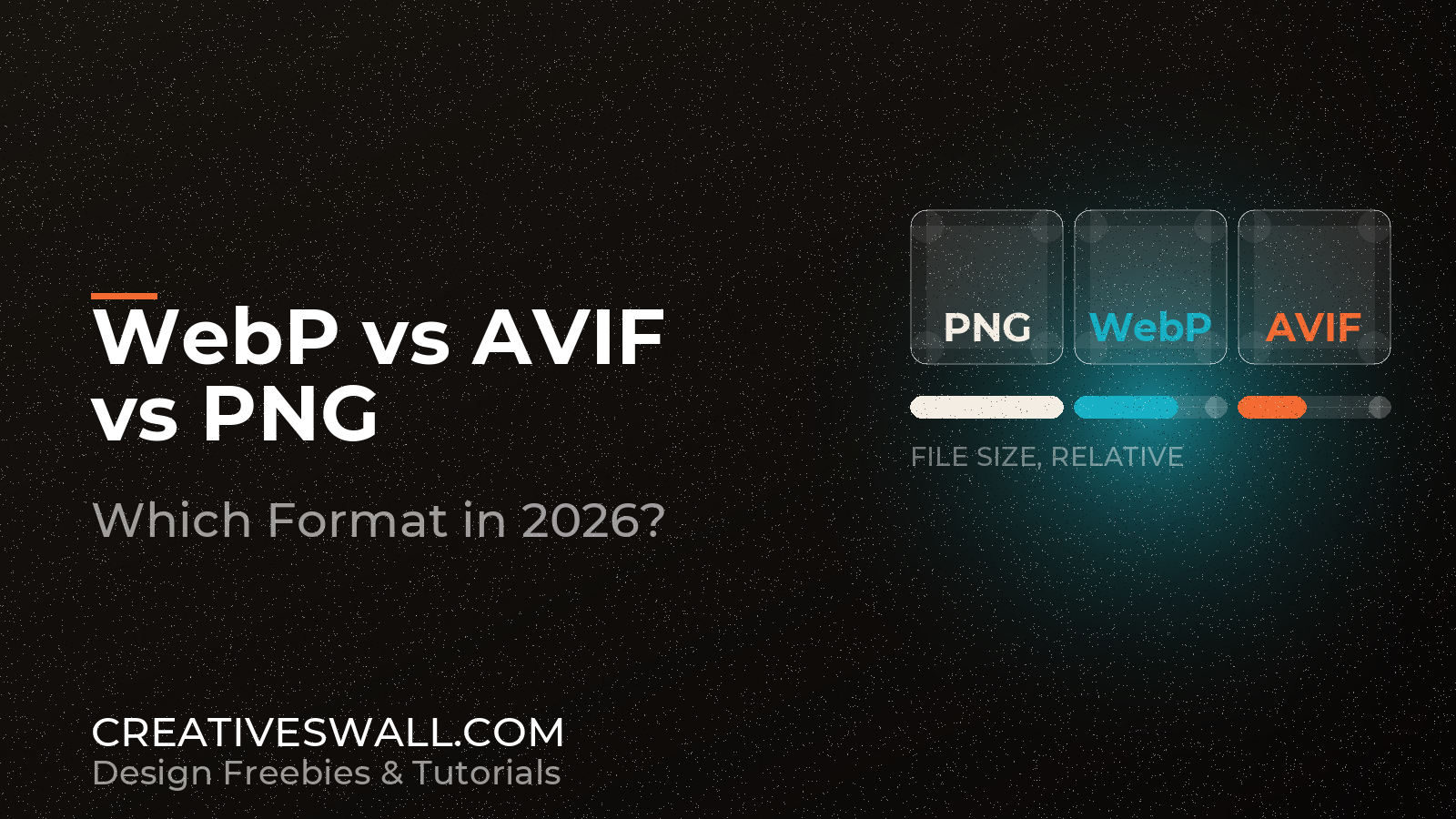
Last month someone sent us a 14MB PNG to use as a hero image. It was a photograph, exported straight out of a design app with the default preset, and it was beautiful and useless: on a phone it took eleven seconds to appear. The same frame as WebP was 780KB. As AVIF it was 340KB and, at 100% zoom on a colour-calibrated monitor, we could not tell them apart.
That is the whole argument for modern formats, and it is also why the answer is not “convert everything to AVIF”. Different images do different jobs. Here is how we decide.
One-line answer
AVIF for photographs, WebP as the universal fallback, PNG only when the image is line art or needs pixel-exact data. That covers nine out of ten cases. The rest of this article is about the tenth.
| Format | Best for | Transparency | Typical weight |
|---|---|---|---|
| PNG | Flat graphics, logos, sharp UI, screenshots with text | Yes | Heaviest |
| WebP | Photography and graphics on the web, everything supports it | Yes | Medium |
| AVIF | Photography and large images where bytes matter | Yes | Lightest |
What each one is for, honestly
PNG – the reference copy
PNG is lossless by definition. Every pixel comes back exactly as it went in, which is why it is still the correct format for screenshots of interface text, flat icons, logos, charts, and anything with hard edges and few colors. Its compression model is built for large areas of identical color, not for the continuous tones of a photograph.
The price is size. A photograph saved as PNG can be ten times heavier than the same frame in WebP with no visible gain, because the extra precision is information your eye cannot see.
WebP – the one that always works
WebP does lossy and lossless, supports transparency, animation and metadata, and every current browser reads it. For a long time it was the modern option; now it is the safe one. Its lossless mode also beats PNG on most graphics by a wide margin, which makes it a straightforward swap for the PNG assets already sitting in your media library.
AVIF – the smallest file you can ship
AVIF is based on the AV1 video codec, and it compresses photography absurdly well – especially at low bitrates, where JPEG starts to smear into mush. It handles transparency, wide colour and high resolution without falling apart, and Chrome, Firefox, Safari and Edge all support it now.
The trade-offs are narrow but real. Encoding is slow. Very small images sometimes go soft. Some older pipelines still reject the file type entirely. As a delivery format for large images, nothing beats it right now.
The size difference, with a caveat

For a typical 2000px photograph, PNG is the outlier by a mile. WebP lands at roughly a quarter to a third of that. AVIF usually sits another 20-40% below WebP at matched quality.
Two caveats keep that honest. Flat graphics compress well in every modern format, so the gap between a logo in WebP and the same logo in AVIF might be two kilobytes. And aggressive AVIF settings destroy fine texture – foliage, hair, fabric – so compare at 100% instead of trusting a percentage. A file that is 30% smaller and visibly softer is not a win, it is a smaller mistake.
Transparency and animation

All three carry an alpha channel, so a transparent logo can go into any of them. The practical difference is weight: a product cutout with a transparent background is dramatically smaller as WebP or AVIF than as PNG.
For motion, WebP replaces animated GIF with better quality and a fraction of the size. AVIF can encode image sequences too. But if a sequence runs longer than a few seconds, the right format is video, not a 12MB animated image that stalls the page.
Browser support, briefly
WebP is effectively universal. AVIF works in current Chrome, Firefox, Safari 16.4 and later, and Edge, which covers nearly all traffic; what is left is older Safari and a long tail of embedded browsers. PNG works everywhere by definition.
Which is why production setups do progressive enhancement: AVIF first, WebP next, PNG or JPEG last. WordPress plugins and most CDNs now generate those variants for you on upload, and the markup does not change.
When PNG is still right
- Screenshots of interface text, where compression artifacts around letterforms are obvious.
- Logos and flat icons that also go to print, a favicon, or an email template.
- Assets that will be re-edited later. A lossless master survives repeated exports; a lossy one accumulates damage.
- Pipelines that simply cannot fail – old CMS uploads, third-party tools, anything that still rejects WebP.
- Charts and diagrams, where a shifted pixel is a factual error.
Converting without wrecking the quality
Always convert from the best source you have. Export a PNG or TIFF master, then generate the delivery formats from it. Converting from an already-compressed JPEG inherits every artifact and doubles the damage.
- In the browser – Squoosh shows the original and the conversion side by side with a live quality slider. It is the fastest way to learn what a codec does to your own images rather than to someone’s test chart.
- On the command line –
cwebpandavifencare scriptable, so a folder of exports can be batched in one loop instead of clicked through by hand. - Inside WordPress – a modern image plugin generates WebP or AVIF alongside the original and serves the lightest supported format. Check the HTML afterwards: the source should change while the markup stays stable.
Serve the smallest format with a fallback
If you control the markup, a picture element does the negotiation. The browser downloads the first source it understands and ignores the rest.
<picture>
  <source srcset="photo.avif" type="image/avif">
  <source srcset="photo.webp" type="image/webp">
  <img src="photo.png" alt="Description of the image" width="1200" height="800" loading="lazy">
</picture>
Keep explicit width and height so the layout does not jump while the image loads, and keep a real alt description – that is the part search engines and screen readers actually use.
Our checklist
- Photographs: AVIF, WebP fallback.
- Logos and flat icons: SVG first, then WebP lossless or PNG.
- Screenshots with text: PNG, or WebP lossless if your tooling is solid.
- Cutouts with transparency: WebP or AVIF. PNG only if something downstream forces it.
- Compare at 100% before accepting a smaller file, every time.
- Keep the uncompressed master outside the delivery folder.
Things people ask
Is AVIF always smaller than WebP?
For photographs, usually. For tiny graphics, sometimes not – AVIF carries container overhead, so a 60px icon can end up bigger than its WebP twin. Measure instead of assuming.
Can I drop the fallbacks and ship AVIF only?
You can, and you will break images for older Safari and a long tail of embedded browsers. Two sources cost nothing and remove the risk.
What about JPEG?
Still fine for photography when the pipeline is legacy, but it has no transparency and loses to both formats above on weight. In 2026 it is the fallback of last resort.