
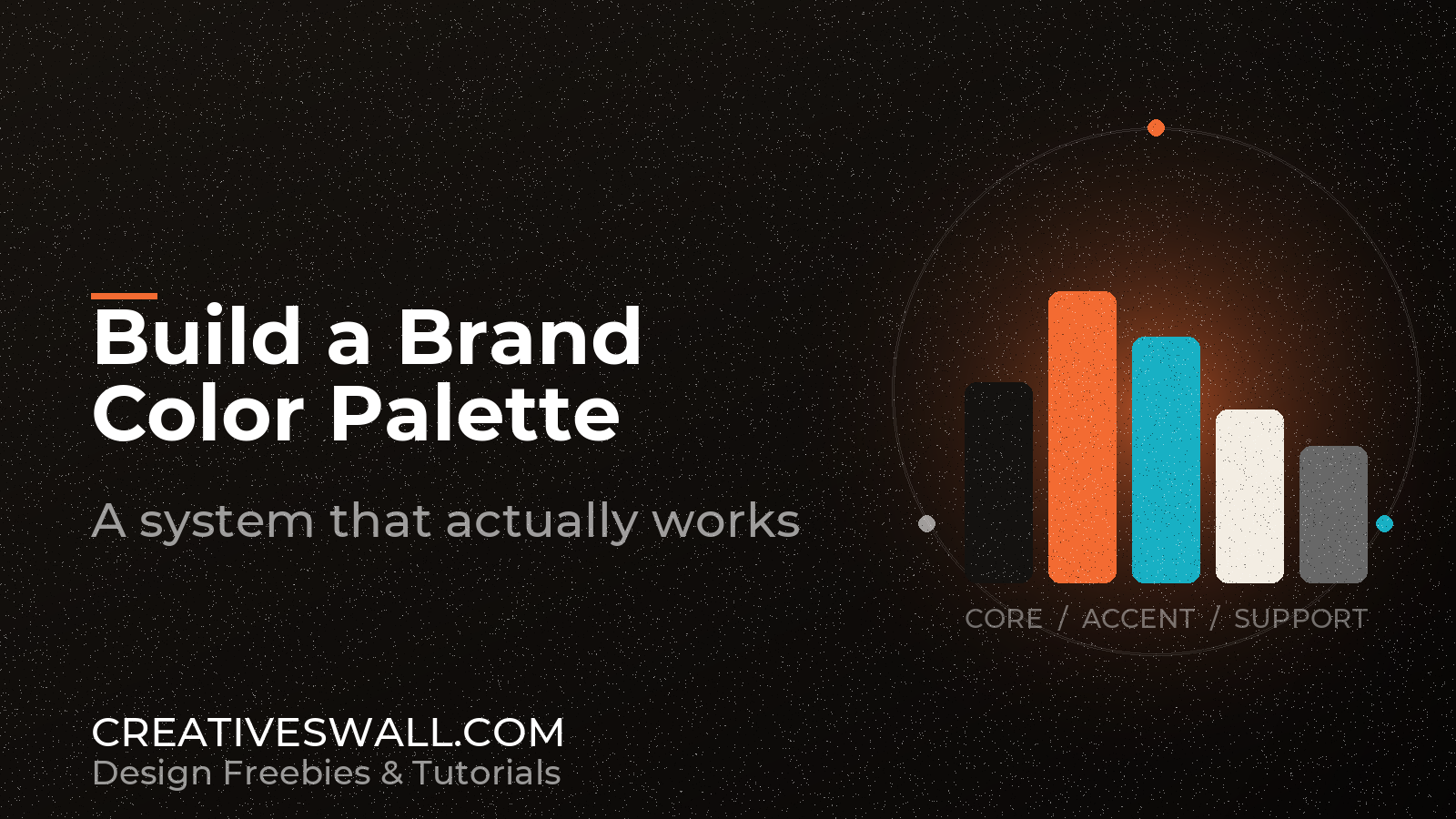
We once spent a week on a palette for a small studio, shipped it, and watched them undo it in a month. Not because the colors were bad – they were lovely – but because nobody had written down which one was allowed to be a button, which one was allowed to be text, and which one was only decoration. Six months later their site had eleven oranges.
That is the real work of a brand palette. Not picking colors, choosing jobs. Below is the process we use now, with the two constraints that keep it from drifting: contrast and distribution.
Start from something that already exists
Every palette we have built that survived started from a single anchor, and almost always that anchor was inside the logo. If the logo has color, measure it instead of guessing. A screenshot, a color picker, and an average of the saturated pixels gives you the true hue, which is usually duller than the version in someone’s memory.
If the logo is black, pick the anchor from the brand’s temperature. Warm for craft, food, print and hospitality. Cool for software and finance. Deep and desaturated for anything that wants to feel expensive.
Whatever you choose, look at it at 16px on white before you commit. A hue that is gorgeous in a 400px swatch can turn muddy at small sizes on a cheap laptop screen, and that is where most of your traffic actually is.
Name the jobs, then fill them
Stop thinking “orange, cream, charcoal” and start thinking about what has to be painted. In practice a small brand needs six colors and a ramp:
- Brand – identity color. Fills, highlights, charts, accents. Never body text.
- Brand deep – a darker sibling of the same hue. Links, small labels, button hover.
- Ink – near-black for headings and copy. Rarely pure black; give it a cast that matches the brand temperature.
- Paper and off-white – the two neutrals most of the site will actually be.
- Line – borders and dividers. The quietest color in the system, and the one people forget to define.
- One support hue – secondary, used sparingly, usually for data or illustration.
Two things fall out of that list immediately. You have a dominant voice and a base, and every color has a documented limit. When someone asks for “a slightly different orange” you can point at the job it is supposed to do.
Decide the ratio before you decorate

Sixty percent neutral, thirty percent brand, ten percent accent. The rule comes from interior design, it is decades old, and it is still the fastest way to diagnose a page that feels off.
Too shouty? The ratio is probably inverted – large saturated areas with no neutral room to breathe. Flat and unfinished? There is no ten percent at all, so the eye has nowhere to land. Counting beats arguing about taste, and it takes about ten seconds with a screenshot and a color picker.
Build a ramp, not a color

Interfaces eat shades. You need something for a hover state, a selected row, a disabled button, a chart series, a 12% tint behind a card. That is a ramp, not a palette.
Take the anchor into HSL and move lightness in even steps – roughly 95, 85, 70, 55, 42, 30 and 20 percent – keeping hue and saturation in the same family. Nudge saturation down at the light end so tints stay clean instead of drifting to grey. Name the steps 100 to 700 or similar and use those names everywhere: design file, CSS, documentation.
Seven steps is plenty. If you have forty, you have a side project.
Test contrast while the palette is still cheap to change
Body text needs 4.5:1 against its background under WCAG 2.2. Large text, roughly 24px or 19px bold, needs 3:1. Borders and icons that carry meaning want 3:1 as well.
The uncomfortable part: saturated oranges, yellows and limes almost never pass for text. Our own brand orange lands around 2.2:1 on white, which is fine for a fill and useless for a sentence. That is not a reason to soften the brand color – it is the reason the palette has a deep variant, built by dropping lightness until it clears 4.5:1.
Test the pairs you will actually ship, not the swatch card: ink on paper, brand deep on paper, white on brand, white on brand deep, muted grey on off-white. If one pair fails, fix that pair. Do not rebuild the palette because of it.
Then make it survive dark mode
Inverting a light palette produces that washed-out look everyone recognises and nobody likes. Keep the hue family and rebalance the values instead.
- Swap paper white for a deep neutral around 12-16% lightness, not pure black. Pure black on OLED makes saturated colors vibrate.
- Promote the lightest tints to serve as raised surfaces above the background.
- Re-check the brand color in both modes. Some hues gain contrast on dark, others lose it, and the same hex is not equally usable in both.
- Pull saturation back slightly on large accent areas.
Two sets of values, one set of names. That is the whole trick.
Write it down as tokens
Names outlive colors. Semantic tokens survive a rebrand; literal ones do not.
:root {
  --color-brand: #f36b32;
  --color-brand-deep: #d95320;
  --color-ink: #171717;
  --color-muted: #686868;
  --color-paper: #ffffff;
  --color-off: #f7f7f5;
  --color-line: #e7e7e7;
}
Nobody should have to remember that #d95320 is the link color. They should reach for brand-deep because the token says what it is for.
One page of documentation, or it will drift
A palette that lives only inside a design file will be inconsistent within a month – usually the week someone new joins. One page is enough: swatches with names and hex values, the job written next to each, the approved pairs with contrast ratios, and a single screenshot of the palette in use.
Put that page where both designers and developers can find it, and treat it as the answer when someone sends a message asking whether the orange can be a bit warmer. It cannot. It can be brand-deep.
Before you call it done
How many colors should a brand palette have?
Six usable colors plus a ramp from the anchor. More than that and nobody uses them consistently, no matter how good the documentation is.
Should the palette come before or after the logo?
Alongside. The logo usually holds the anchor, and building from it makes the identity feel discovered rather than assembled.
Can the brand color be used for text?
Only where it passes 4.5:1. Most saturated brand colors do not, which is exactly why the deep variant exists. Using the fill color for copy is the fastest way to look like an amateur job.
Do I need a separate palette for print?
A conversion, not a second palette. Note CMYK and Pantone approximations for ink and brand, then check that brand-deep still separates from black on paper. Fluorescent oranges and pale neutrals are the usual casualties.
More free design resources
Build the palette, then put it to work: